DCM Browser Interface
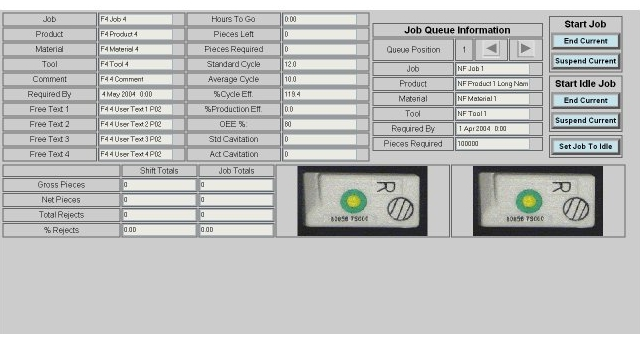
The browser screens at the dcm are divided into three sections, or frames. The menu frame is located at the top of the screen and displays the machine, child, and screen which are currently being viewed. It also supplies easy navigation between machines on the same dcm, and has the capability of a user definable navigation link that can be accessed by pressing the SYSCON-PlantStar Panorama logo in the upper right corner.The main frame occupies the central screen area and contains the screen specific data. This frame, depending on the screen being viewed, can provide summary data, detail data, and/or data entry capabilities.
Across the bottom of the screen is the lights frame which provides both status information and navigation. The various buttons, or lights, allow the user to have a quick visual summary of the status of the currently viewed machine. The colors of the buttons will change depending on the machine state and follow the color conventions used in all other SYSCON-Plantstar Panorama products.
Both the menu frame and the lights frame are shown for every screen that is being displayed in the main frame. This allows for a consistent interface regardless of the current function being utilized.
For specific details on each frame simply follow the links above, or click on the frame below.
Menu Frame

Main Frame
Lights Frame
