Down Select
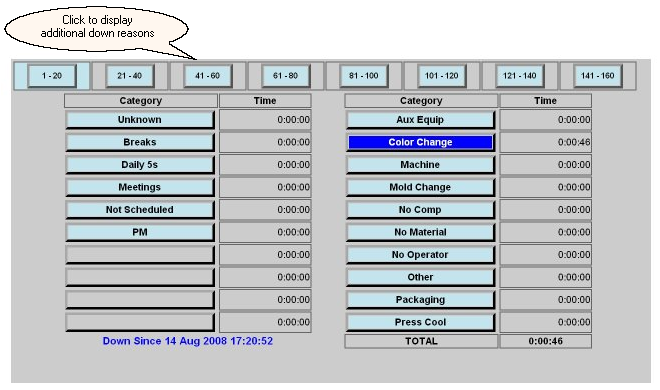
The Down Select screen allows the operator to select the appropriate reason for why the selected machine is down. Pressing one of the down reason buttons will highlight that reason and all down time will be assigned to that reason. If another reason is selected then any additional down time will be associated with the newly selected reason.Twenty reasons are listed on a down screen. For installations where the extended down option has been purchased, the buttons along the top of this screen will allow navigation to additional down reasons.
The down select screen displays the accumulated down time for each possible down reason of the currently running job.