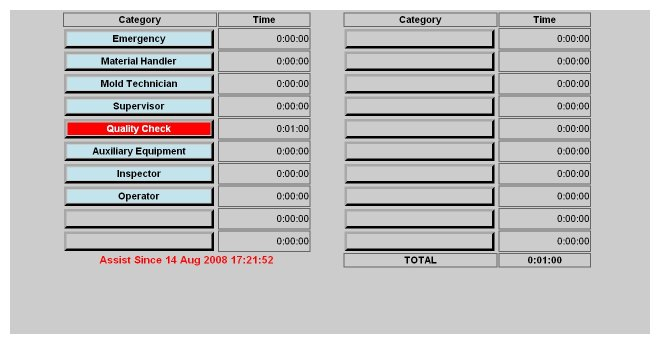
Assist Select
The Assist Select screen allows the shop floor staff to "call for help" by pressing the button for the appropriate assist reason. The call for help is logged in the system and the machine is put into the assist state which will be reflected in the lights frame. Once selected, time is accrued until the assist button is pressed again to turn off the assist state.The screen displays the accumulated assist time for each possible assist reason for the currently running job.