editing setup sheets
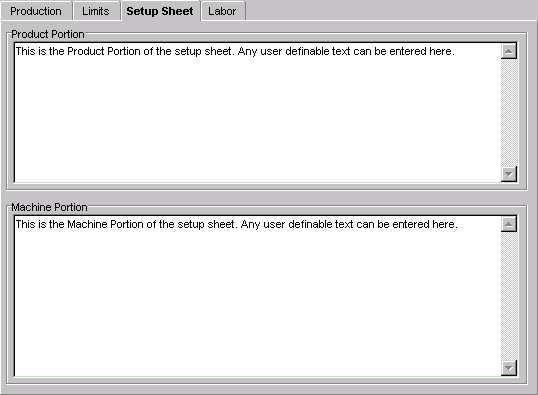
Setup Sheet information can be added to product standards, work orders or currently running jobs. There are two types of setup sheet information -- product portion and machine portion. Both types are sent to the DCM.
To add setup information:
| · | Click on the "Setup Sheets" tab located in the top of the window.
|
| · | The setup sheets appears, allowing the entry of setup sheet information.
|
| · | Select the setup sheet to edit, product or machine, by tabbing to the "Product Portion" or "Machine Portion" text fields.
|
| · | Type in setup sheet information directly into this field.
|
NOTE: When typing, the text field wraps words. The DELETE or BACKSPACE keys can be used to erase characters. A maximum of 2600 characters can be typed in. This limit is for the sum of the text in both the product and machine portions.