Logging into your PlantStar Panorama system
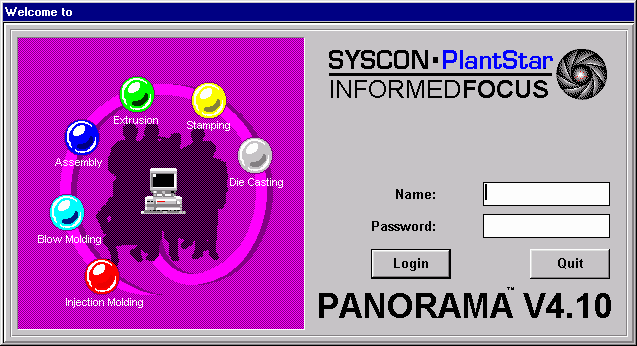
The login window provides security for all programs within your system. Only users that have permission to access the application are allowed. Only ONE Monitor session is allowed per workstation.
To access :
| · | Install the application into your Windows software.
|
| · | If the Monitor icon is highlighted, then double-click on the icon. If it is not highlighted, move the mouse pointer to the icon and then double-click on it.
|
| · | The main login window appears which asks for a user name and password. Both of these can be obtained from the System Administrator.
|
| · | Use the TAB key to go from field to field. After your name and password are entered, click on the Login button or press the ENTER key.
|
NOTE: If your password does not seem to work, first try to re-enter your password. If it still does not work, contact your System Administrator.