SQC Sample
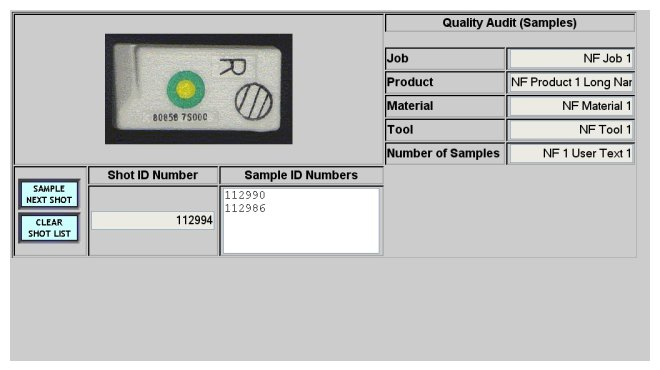
The SQC Sample screen allows the operator to sample the next shot and print a sample label for quality auditing purposes with the "SAMPLE NEXT SHOT" button . The end of cycle data is written to the machine's log file.This screen is displayed using the "SQC SAMPLE" button on either the Process Summary or the Process Select screens.
The screen displays an image of the current job product, job summary data, and the current shot ID number as well as the shot ID numbers of the samples which have been taken. The "CLEAR SHOT LIST" button will clear the screen list of sample ID numbers.
Use the Lights Frame to return to the Process Summary screen.