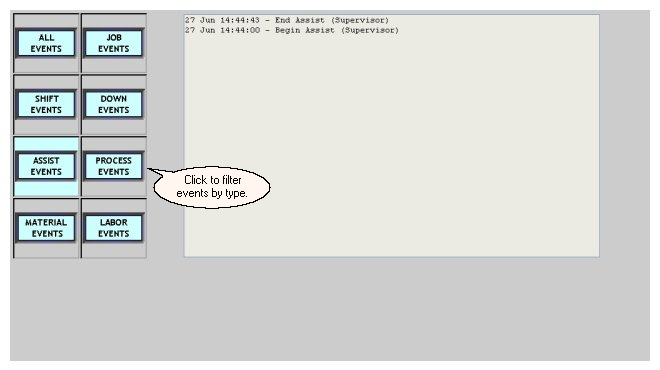
| · | Job Related Events - start/end of a job or a job change;
|
| · | Shift Related Events - start of a new shift or a shift idle period;
|
| · | Down Events - start and end of down time periods;
|
| · | Assist Events - start and end of assist time periods;
|
| · | Process Alarm Events - time of a process exception, the actual "exception" value, and the limit it violated. Process exceptions are only logged, though, if the machine is not in a down state. If a process exception begins while a machine is down, the exception events are not logged for the machine.
|
| · | Material Events - material changes on the selected machine
|
| · | Labor Events - login and logout of users on the selected machine
|